
I was trying to use my headphone to talk with other people in Teams, I can hear them but they cannot hear me.
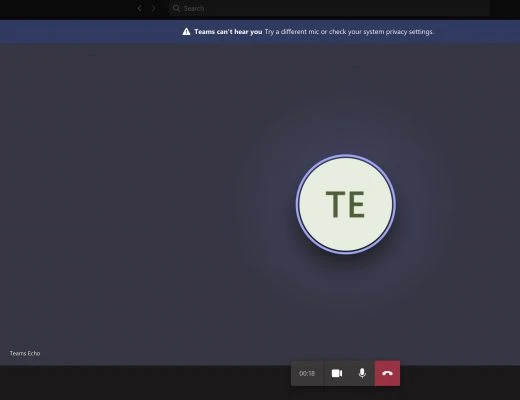
I got a error when I’m in the room: "Teams can't hear you Try a different mic or check your system privacy settings"
System Information
- Mac OS Catalina
- Teams v 1.4.
Solution
Step 1: Check headphone in System Preferences
System Preferences -> Sound -> Input

It looks all good.
Step 2: Check Security & Privacy
System Preferences -> Security & Privacy -> Privacy tab -> Microphone, to check whether Teams been allowed access.

Allow teams to access microphone and then restart teams, it will be good then.